MyPay DFAS Login -mypay.dfas.mil Sign-in
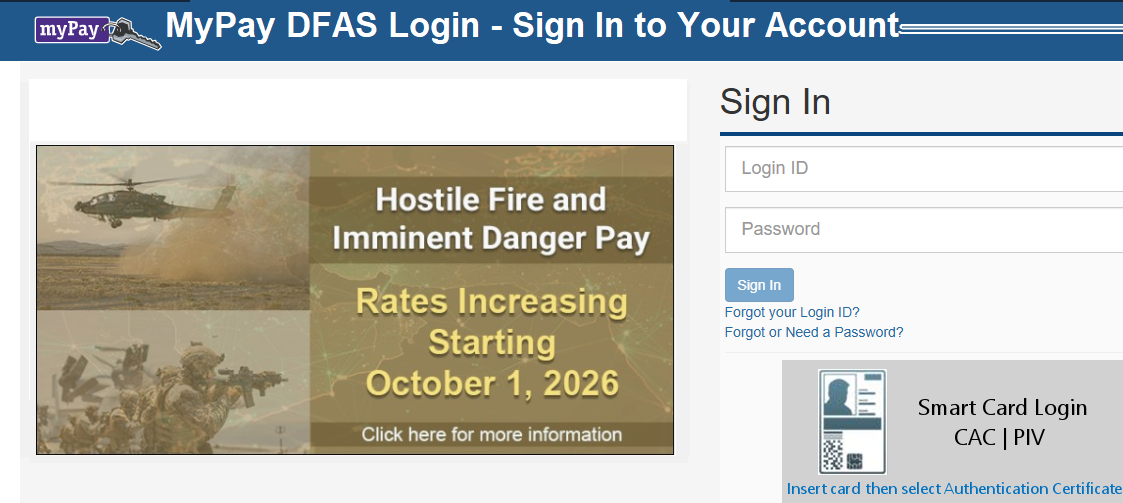
The MyPay DFAS login page gives eligible military members, retirees, annuitants, and federal civilian employees access to their pay-related information through the Defense Finance and Accounting Service (DFAS). Once signed in, users can view available pay statements, download tax documents, review account details, and manage certain personal or payment settings.
If you already have a myPay account, you can access it through the official DFAS website. This guide explains how to sign in, what information you need, how two-factor authentication works, and what to do if you encounter login problems.
What Do You Need Before Signing In?
Before attempting to access your account, make sure you have the following:
- MyPay Login ID: The username you selected when creating your myPay profile.
- Password: Your current account password.
- Internet connection: A reliable connection helps prevent interruptions during sign-in.
- Two-factor authentication access: You may need access to your registered phone, email address, or authenticator app to receive or generate a one-time PIN.
- Supported browser: Use an up-to-date browser and ensure that cookies and required website features are not being blocked.
Some users may also have access through a Common Access Card (CAC) or Personal Identity Verification (PIV) smart card, depending on their eligibility and account setup.
How Does MyPay Two-Factor Authentication Work?
MyPay uses two-factor authentication (2FA) to add another layer of protection to account access. This means that signing in may require more than your Login ID and password.
After entering your credentials, you may be asked to request and enter a one-time PIN. Depending on your account settings, the verification code may be delivered through:
- A registered mobile phone by text message.
- A registered email address.
- A compatible authenticator app.
You must have access to the verification method associated with your account. If you use a CAC or PIV smart card, the smart-card sign-in process provides another authentication option.
If you regularly change your phone number or email address, make sure your myPay contact and authentication settings remain current. You can review available two-factor authentication options through the Personal Settings area after signing in.
MyPay DFAS Login – How to Log In to Your MyPay DFAS Account
If you have already created your myPay profile, follow these steps to access your account:
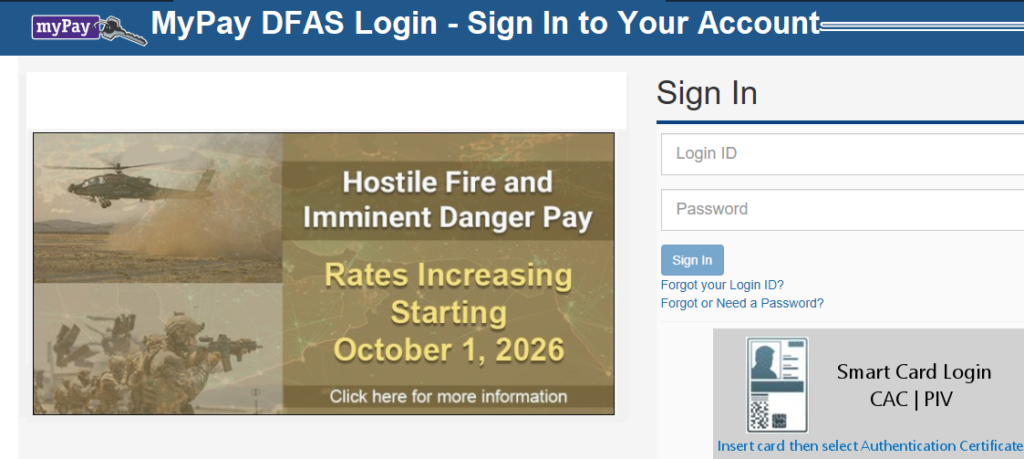
- Open your internet browser and visit the official myPay website. The official myPay website is: https://mypay.dfas.mil
- Locate the Sign In section on the homepage.
- Enter your myPay Login ID in the appropriate field.
- Type your password carefully.
- Select the Sign In option.
- If prompted, complete the two-factor authentication process by requesting and entering your one-time PIN.
- After successful verification, follow the on-screen instructions to access your account.
Your Login ID and password are the credentials you created when setting up your profile. If you cannot remember either one, use the recovery links provided on the login page rather than repeatedly guessing your details.
Always check the web address before entering your login details. DFAS advises users to confirm that they are on the official .mil website and that the page displays the U.S. government website identification banner. Avoid entering personal information on unfamiliar websites that imitate the myPay login page.
You can access the website using a computer, tablet, or mobile device with an internet connection.
Can You Access MyPay Using a CAC or PIV Card?
Eligible users may be able to sign in using a Common Access Card (CAC) or Personal Identity Verification (PIV) card. If this option applies to you:
- Visit the official myPay website.
- Find the smart-card sign-in section.
- Select the appropriate CAC or PIV login option.
- Follow the instructions displayed by the website.
- Complete any required card or browser authentication steps.
You may need a compatible card reader and the appropriate device configuration. If the smart-card option does not work, check your card, reader, browser, and any required government security software.
What Can You Do After Logging In?
The MyPay DFAS login process allows eligible customers to access important pay and account information online. By using the official website, entering the correct credentials, and completing any required two-factor authentication, you can securely reach the services available to your account.
If you experience login difficulties, check your credentials, verification method, browser, and the system availability information before contacting support. For account recovery, always follow the instructions provided directly by DFAS.
The options available after signing in depend on your employment or military status and the type of pay account connected to your profile.
Depending on your eligibility, myPay may allow you to:
- View, print, or save your Leave and Earnings Statement (LES).
- Access available tax documents, such as a W-2 or Form 1099-R.
- Review payment-related information.
- Update direct deposit details.
- Review or change certain tax withholding information.
- Update mailing or email addresses.
- Access retirement-related statements and information, where applicable.
Not every feature is available to every account holder. For example, retirement statements and certain annuitant services are relevant to particular customer groups.
Common MyPay DFAS Login Problems and Solutions
Even when your account is active, you may occasionally have difficulty signing in. The following suggestions can help you identify the cause.
Incorrect Login ID or Password
A typing mistake, outdated password, or forgotten Login ID can prevent access.
Check that your credentials are entered correctly. Make sure your keyboard is using the expected language and that Caps Lock is not affecting your password.
If you still cannot sign in, use the appropriate recovery option on the official myPay homepage.
You Cannot Receive Your One-Time PIN
If the verification code does not arrive, check that you selected the correct delivery method. Review your email spam or junk folder and confirm that your phone has a working network connection.
If you have configured an authenticator app, check that it is set up correctly and that your device’s time settings are accurate.
You can also try another registered verification method if one is available.
MyPay Website Is Not Loading
A website loading problem may be related to your internet connection, browser, or scheduled system maintenance. Try these steps:
- Confirm that your internet connection is working.
- Check that you entered the official myPay web address.
- Refresh the page or try another up-to-date browser.
- Clear your browser cache if the page continues to behave unexpectedly.
- Check the system availability information on the myPay homepage.
DFAS notes that maintenance can temporarily affect access to the system or certain features.
Your Account Is Locked, or Your Password Has Expired
If you receive an account access or password-related message, follow the instructions displayed by myPay. Use the official password assistance process if you need a new password.
Do not continue making repeated guesses. If the recovery process does not resolve the issue, contact myPay support through an official DFAS channel.
Your CAC or PIV Login Is Not Working
If you use a smart card, check that it is inserted correctly and that your card reader is connected. Make sure your browser and device meet the requirements for smart-card authentication.
If the issue continues, your organization’s IT support team may be able to help identify a device or card configuration problem.
Is MyPay DFAS Available on Mobile Devices?
Yes. MyPay can be accessed through an internet browser on a mobile device. You can visit the official website, enter your credentials, and complete any required authentication steps.
A mobile browser can be useful when you need to check a statement or access account information while away from your computer. For a smoother experience, keep your browser updated and use a secure internet connection.
Avoid signing in through public or shared devices whenever possible. If you must use one, do not save your password, and remember to sign out when finished.
How to Keep Your MyPay Account Secure
Your myPay account may contain sensitive financial and personal information. Protecting it should be part of your regular online account routine.
Consider these security practices:
- Access myPay by typing the official web address into your browser.
- Never share your password or one-time authentication PIN.
- Use a strong password that you do not reuse on other websites.
- Keep your email account and mobile device secure.
- Review your contact and authentication settings periodically.
- Sign out after using a shared computer.
- Be cautious of unexpected messages asking you to confirm account information.
DFAS provides additional account protection guidance on its official website.
MyPay DFAS Login Frequently Asked Questions
What is the official MyPay DFAS login link?
The official login website is https://mypay.dfas.mil/. Check that the address uses the .mil domain before entering your credentials.
Can I log in to myPay with my Social Security number?
Returning users generally sign in using the Login ID and password created for their myPay profile. Your Social Security number may be requested during certain account setup or recovery procedures, but it is not a substitute for your regular Login ID when signing in.
Why is myPay asking for a verification code?
MyPay uses two-factor authentication to help protect accounts. You may need to enter a one-time PIN delivered through your registered phone, email, or authenticator app.
Can I access myPay from outside the United States?
MyPay is an internet-based service that DFAS customers can access online. However, access may depend on your internet connection, device configuration, and authentication method. Users outside the United States should ensure they can receive or generate their required verification PIN.
What should I do if I forget my myPay password?
Select the password assistance link on the official myPay homepage and follow the recovery instructions. For a more detailed explanation, see our separate MyPay DFAS Forgot Password and Login ID Recovery guide.
Does myPay work on smartphones?
Yes. You can access myPay through a compatible mobile browser. You may still need your Login ID, password, and an approved two-factor authentication method.
Who should I contact if I cannot access my account?
Use the official DFAS myPay login assistance resources or contact the myPay Customer Care Center. Avoid sending passwords, one-time PINs, or other sensitive credentials through unofficial websites or messages.