MyPay DFAS Direct Deposit – Manage Your Bank Account Details
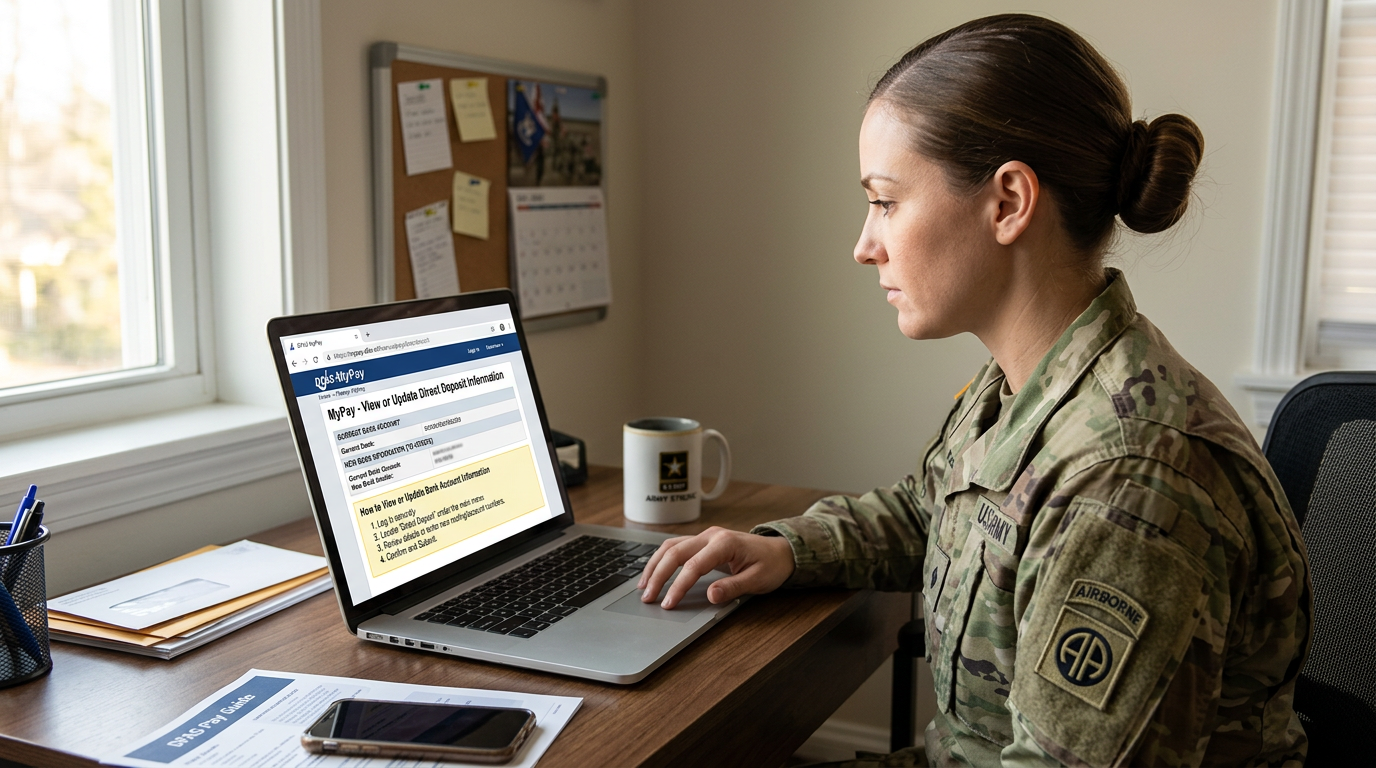
MyPay DFAS Direct deposit allows eligible military members, retirees, annuitants, and other DFAS pay recipients to receive payments electronically instead of waiting for a paper check. Keeping the correct bank information on file is important because an outdated or incorrect account can delay access to your money.
The Defense Finance and Accounting Service (DFAS) provides myPay, an online account management system that allows eligible users to view and manage certain payment details. Depending on your pay category, you may be able to use myPay to start or change direct deposit information.
This guide explains how MyPay DFAS direct deposit works, what information you may need, how to make a bank account change, and what to do if a payment does not arrive as expected.
What Is MyPay DFAS Direct Deposit?
MyPay DFAS direct deposit is an electronic payment arrangement that sends eligible military or retirement-related payments to a designated bank account.
Instead of receiving a physical check, the payment is transferred electronically to the checking or savings account recorded with DFAS. This can make receiving payments more convenient and reduce the risk of a check being lost, delayed, or stolen.
The myPay system provides online access to certain account-management options, including direct deposit changes for eligible users. The options available depend on the type of pay you receive and your account status.
Who Can Manage MyPay DFAS Direct Deposit?
Direct deposit options are not necessarily identical for every myPay customer. DFAS provides different instructions for different payment categories. Eligible users may include:
- Military retirees: Retired military members can use myPay to manage direct deposit information for retired pay.
- Annuitants and eligible survivors: Some individuals receiving annuity or survivor-related payments can manage payment information through myPay.
- Active-duty service members: Military members may have access to pay-related account options, although some banking or payroll changes may need to be handled through their service finance office.
- Federal civilian employees: Employees paid through DFAS should follow the procedures provided by their employer, payroll office, or human resources representative when a direct deposit change is not available through their account.
If you cannot find a Direct Deposit option in your myPay account, do not assume that your account is defective. Your payment category may use a different process.
Information to Prepare Before Changing Your Bank Details
Before starting a direct deposit update, obtain the correct information from your financial institution. You may need:
- Bank routing number: The number used to identify the financial institution.
- Bank account number: The number identifying your individual checking or savings account.
- Account type: Whether the account is checking or savings.
- Financial institution information: The name of the bank or credit union.
Use your actual bank account number rather than a debit card number. A debit card number is not a substitute for the account information required for a direct deposit authorization.
If you are uncertain about your routing or account number, contact your bank or consult an official bank document.
How to Change Direct Deposit Information in MyPay DFAS
Eligible users can generally begin a direct deposit update by signing in to myPay and opening the Direct Deposit section. The exact screen layout may change, but the general process is as follows.
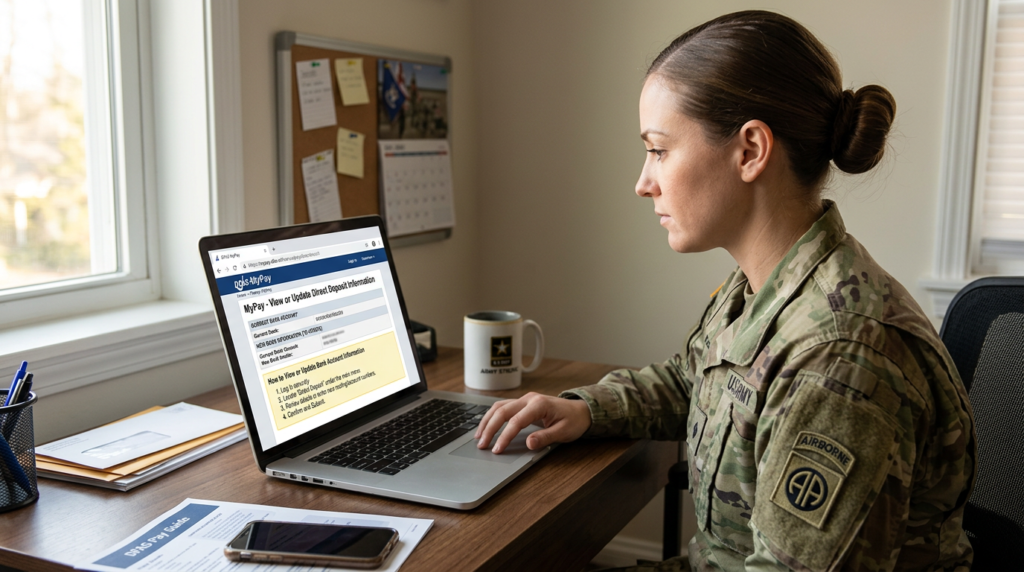
Step 1: Visit the DFAS myPay login page
- Open a browser and go to: mypay.dfas.mil login
- Check the website address carefully.
- Avoid links in unexpected emails or text messages that claim to provide access to your DFAS account.
Step 2: Sign In to Your Account
Enter your myPay Login ID and password using the official sign-in page. Complete any additional identity verification requested by the system.
If you cannot access your account, use the official account-recovery options rather than creating another account unnecessarily.
Step 3: Open the Direct Deposit Section
After signing in, accept the applicable terms of use if prompted and look for the Direct Deposit option on the main menu.
The menu options available to you may depend on your payment category and account permissions.
Step 4: Enter Your New Bank Information
If the direct deposit update option is available, enter the requested details carefully. These may include:
- Bank routing number
- Bank account number
- Checking or savings account type
- Financial institution information
Review every number before continuing. An incorrect routing or account number can cause a payment to be delayed or returned.
Step 5: Review and Save the Changes
Check the information you entered before submitting the update. Follow the instructions displayed by myPay to save your changes.
Pay attention to any confirmation message or effective date shown by the system. Keep a record of the confirmation for your personal reference.
DFAS advises retired-pay customers that changes made through myPay are generally reflected in the account within three to seven business days.
That account-update period does not necessarily mean the new bank account will receive the very next payment. The timing of the payment itself can depend on when the change is made and the applicable payroll processing schedule.
How Long Does a MyPay Direct Deposit Change Take?
The time required for a direct deposit change depends on the type of payment and the method used to submit the request.
For retired-pay account changes submitted through myPay, DFAS lists a typical account update period of three to seven business days. DFAS also cautions that a change made later in the month may not take effect until a subsequent payday.
Paper requests can take considerably longer. DFAS provides separate processing guidance for retired-pay and annuitant-pay direct deposit forms, so users should check the instructions for their particular payment category before relying on a specific timeframe.
The important distinction is that an account update and the first payment sent to the new account are not necessarily the same event.
Keep your previous bank account open until you have confirmed that a payment has successfully reached the new account. Closing it too early can lead to a returned or delayed payment.
How to Start myPay DFAS Direct Deposit
If you are eligible and your account provides the required option, you may be able to use myPay to establish direct deposit rather than only changing an existing bank account. The general process is similar to updating bank details:
- Visit the myPay DFAS portal.
- Sign in to your account.
- Open the Direct Deposit section.
- Enter the requested bank information.
- Review the details for accuracy.
- Submit the information and follow any confirmation instructions.
If you do not see an option to establish direct deposit, contact the appropriate DFAS customer service team or your military or civilian payroll office for instructions.
Some customers, including people using international bank accounts, may need a separate enrollment form instead of the standard online process.
What If You Cannot Change Direct Deposit Through myPay?
Not every DFAS customer can use the same online process. If the Direct Deposit option is unavailable, consider the following alternatives.
Contact Your Finance or Payroll Office
Active-duty military members and federal civilian employees should contact the appropriate finance office, payroll liaison, employer customer service representative, or human resources office for guidance.
These offices can explain which process applies to the employee’s or service member’s pay category.
Use the Appropriate DFAS Form
Retirees and annuitants may be able to submit a direct deposit authorization form instead of making the change online.
DFAS maintains a forms section with instructions for starting or changing direct deposit. Make sure you select the form intended for your particular payment type and follow the current submission instructions.
Official resource: https://www.dfas.mil/RetiredMilitary/forms/
Check the International Direct Deposit Requirements
People who receive eligible payments into an international bank account may need a separate international direct deposit enrollment process.
Do not assume that the standard U.S. bank account procedure applies to an overseas account. Review the DFAS international direct deposit instructions before submitting banking details.
MyPay DFAS Direct Deposit Problems and Possible Solutions
A direct deposit issue can have several causes. The following explanations may help you decide what to check next.
The New Bank Account Is Not Showing
If you recently submitted a change and the old information still appears, the update may not have completed processing.
Review any confirmation or effective-date information provided by myPay. If the expected processing period has passed and the account still has not changed, contact the appropriate DFAS support team.
My DFAS Payment Was Sent to My Old Bank Account
A bank change may not take effect in time for the next scheduled payment. This is why it is important to keep your previous account open until the new account has received a payment.
If you believe a payment was sent to an account that is no longer available, contact DFAS and your financial institution for guidance. Do not assume that submitting another bank change will automatically resolve a payment already in progress.
My Direct Deposit Was Returned
A financial institution may reject or return a deposit if the account is closed, the account information is incorrect, or the account cannot accept the payment.
Contact your bank to determine whether it received or rejected the payment. You should also contact the relevant DFAS payment office to ask about the status of the returned funds and the steps required to correct your payment information.
I Cannot Find the Direct Deposit Option
The available myPay features depend on the type of account and payment you receive.
If the option is missing, check whether your payment category supports online changes. Military members and civilian employees may need help from their payroll or finance office, while retirees and annuitants should consult the relevant DFAS instructions.
I Entered the Wrong Bank Account Number
If you discover an error after submitting a change, review your myPay account and contact DFAS as soon as possible. Explain that the banking information may be incorrect and ask whether the transaction can still be corrected before the payment is processed.
Do not wait until a payment goes missing to report a known error.
How to Check Whether Your Direct Deposit Change Was Accepted
After submitting a change, look for confirmation information on the myPay screen. DFAS may also provide an effective date or other status information for the transaction. You can take these steps to keep track of the request:
- Review the confirmation message after submitting the change.
- Check the Direct Deposit section again after the stated processing period.
- Look for any status or notification messages available in your account.
- Contact DFAS if the update does not appear as expected.
Remember that seeing new bank information in your account does not necessarily confirm that a payment has already been deposited into that account. Check with your financial institution when the payment is due.
MyPay DFAS Direct Deposit FAQs
Can I change my bank account through myPay?
Eligible customers can use myPay to change direct deposit information. The available options depend on the type of payment they receive. Retirees and annuitants should follow the specific DFAS instructions for their accounts.
What information do I need to update my direct deposit?
You generally need your bank routing number, account number, account type, and financial institution information. Confirm these details with your bank if you are unsure.
How long does a direct deposit change take through myPay?
DFAS lists three to seven business days for certain retired-pay account changes made through myPay. The timing of the first payment to the new account can differ, particularly if the update is made close to payday.
Should I close my old bank account after submitting a change?
No. Keep the old account open until you have confirmed that your payment has reached the new account. This helps reduce the risk of a returned or missed payment.
Can I update direct deposit without a myPay account?
Depending on your payment category, DFAS may provide a paper authorization form or another process. Active-duty military members and civilian employees may also need to contact their finance or payroll office.
Can I use myPay to change direct deposit to an international bank?
International direct deposit may require a separate enrollment process and form. Check the current DFAS instructions for international payments rather than using the standard U.S. bank account procedure.
What should I do if my DFAS payment does not arrive?
First, check your bank account and ask your financial institution whether it received or rejected the payment. Then contact the appropriate DFAS payment office to verify the payment status and determine whether further action is needed.
Is myPay the same as my bank’s online banking service?
No. myPay is DFAS’s online account management system. Your bank’s online banking service is separate and is where you can check whether a DFAS payment has actually reached your account.